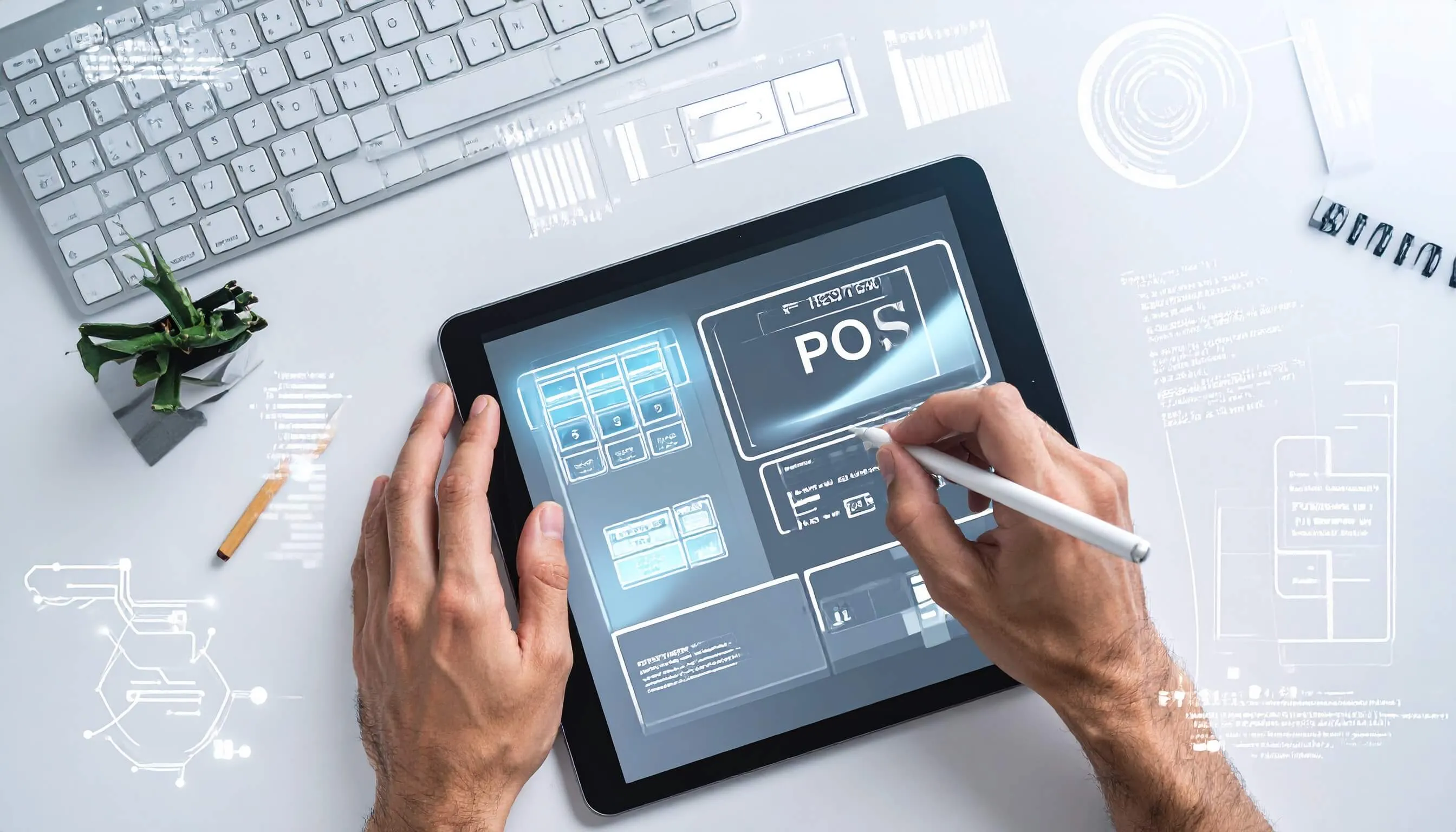
Creating a retail retail system can transform how businesses handle transactions, manage inventory, and serve customers. Whether you're building a custom solution for your retail store or developing a product for the market, this comprehensive guide walks you through everything you need to know about creating an effective POS system.
What is a POS System?
A restaurant point of sale solution is the combination of hardware and software that enables businesses to complete sales transactions. Modern POS systems go beyond simple payment processing to include inventory management, customer relationship management, sales reporting, and employee tracking capabilities.
Why Create a Custom POS System?
While many off-the-shelf solutions exist, creating a custom retail platform offers several advantages:
- Tailored functionality that matches your specific business needs
- Cost savings over expensive licensing fees for enterprise solutions
- Complete control over features, updates, and data
- Scalability designed around your growth plans
- Integration flexibility with existing business tools
- Competitive advantage through unique features
Essential Features of a POS System
Before diving into development, understand the core features every sales software needs:
Transaction Processing
The heart of any POS system handles sales, returns, exchanges, and various payment methods, including cash, credit cards, mobile payments, and digital wallets.
Inventory Management
Real-time inventory tracking automatically updates stock levels with each sale, alerts you to low inventory, and helps prevent stockouts or overordering.
Customer Management
Store customer information, purchase history, and preferences to enable personalized service, loyalty programs, and targeted marketing campaigns.
Reporting and Analytics
Generate detailed reports on sales trends, top-selling products, employee performance, and business insights that drive informed decision-making.
Employee Management
Track employee hours, manage permissions, monitor individual sales performance, and control access to sensitive functions.
Receipt Generation
Create professional digital or printed receipts with customizable branding, itemized lists, and tax calculations.
Step-by-Step Guide to Creating Your POS System
Step 1: Define Your Requirements
Start by identifying your specific needs. Consider your industry (retail, restaurant, service), transaction volume, number of locations, and must-have features. Create a detailed requirements document that will guide your entire development process.
Step 2: Choose Your Technology Stack
Select the programming languages and frameworks to build your cloud-based POS system based on your platform needs:
For web-based POS systems:
- Frontend: React, Vue.js, or Angular
- Backend: Node.js, Python (Django/Flask), or Ruby on Rails
- Database: PostgreSQL, MySQL, or MongoDB
For mobile POS systems:
- iOS: Swift or React Native
- Android: Kotlin or React Native
- Cross-platform: Flutter or React Native
For desktop applications:
- Electron for cross-platform solutions
- C# with .NET for Windows-focused systems
Step 3: Design the Database Architecture
Create a solid database schema that manages products, transactions, customers, employees, and inventory. Design for scalability from the beginning with proper indexing and normalized tables. Think about using a relational database for transactional data and caching layers for frequently accessed information.
Step 4: Develop the Core Functionality
Begin building your pharmacy POS system MVP (Minimum Viable Product) by focusing on the core features. Begin by developing the transaction processing engine to ensure precise calculations for subtotals, taxes, discounts, and tool amounts. Then, integrate secure payment processing using reliable gateways such as Stripe, Square, or PayPal.
Step 5: Build the User Interface
Design an intuitive interface that enables fast transactions. Restaurant POS systems need table layouts and modifier options, while retail systems benefit from barcode scanning and quick product search. Prioritize speed and ease of use since every second counts during peak hours.
Step 6: Implement Security Measures
Security is a vital aspect of any POS system. Ensure compliance with PCI DSS standards for payment processing, encrypt all sensitive data both in transit and at rest, implement role-based access controls, maintain detailed audit logs for every transaction, and regularly update and strengthen security measures.
Step 7: Add Hardware Integration
Integrate your mobile POS system with essential POS hardware, including receipt printers, barcode scanners, cash drawers, card readers, and customer-facing displays. Use standard protocols like ESC/POS for printers and USB/Bluetooth for peripheral connections.
Step 8: Test Thoroughly
Conduct comprehensive testing, including unit tests for individual functions, integration tests for system components, load testing for peak transaction periods, security penetration testing, and real-world user acceptance testing with actual employees.
Step 9: Deploy and Train
Roll out your POS system with a solid deployment strategy. Start with a pilot location if possible, provide comprehensive staff training, create user documentation and quick reference guides, and establish a support system for troubleshooting.
Step 10: Monitor and Iterate
After launch, continuously monitor system performance, gather user feedback, track transaction success rates, and release regular updates with improvements and new features based on real-world usage.
Technical Considerations for POS Development
Offline Functionality
Build offline capabilities so transactions can continue during internet outages. Queue transactions locally and sync automatically when connectivity returns.
Cloud vs. On-Premise
A supermarket POS system with cloud capabilities offers remote access, automatic backups, and easier updates, while on-premise solutions provide more control and don't rely on internet connectivity. Many modern systems use a hybrid approach.
API Development
Create robust APIs for integration with accounting software, e-commerce platforms, marketing tools, and third-party services. Well-documented APIs enable ecosystem growth around your POS system.
Multi-Location Support
If targeting businesses with multiple locations, implement centralized inventory management, consolidated reporting across locations, and synchronized customer databases while allowing individual location customization.
Common Challenges and Solutions
| Challenge | Solution |
|---|---|
| Payment processing integration | Use established payment gateway SDKs and thoroughly test all payment scenarios including refunds and partial payments. |
| Slow transaction speeds | Optimize database queries, implement caching strategies, and minimize external API calls during checkout. |
| Hardware compatibility | Support standard protocols and test with common hardware brands. Maintain a compatibility list for customers. |
| Data security concerns | Never store full credit card numbers, use tokenization, encrypt all sensitive data, and maintain PCI compliance. |
Cost Considerations
Creating a POS system involves various costs, including salaries for the development team or freelancer fees, payment gateway setup and transaction fees, hardware for testing and deployment, cloud hosting and infrastructure, security audits and compliance certifications, and ongoing maintenance and support. Budget for both initial development and long-term operational costs.
Best Practices for POS System Development
Follow these proven practices to ensure success:
- Keep the interface simple and user-friendly, as complicated interfaces slow down transactions.
- Prioritize reliability because system downtime directly affects revenue.
- Make data backup and recovery procedures foolproof.
- Design for scalability from the beginning to prevent costly rewrites.
- Stay compliant with industry regulations and standards.
- Provide comprehensive documentation for both users and developers.
Future-Proofing Your POS System
Technology evolves rapidly, so build flexibility into your Android POS system. Consider emerging trends like:
- Contactless payments and mobile wallets
- AI-powered inventory predictions
- Voice-activated commands
- Augmented reality for product information
- Blockchain for transaction transparency
- IoT integration with smart shelves and devices
Conclusion
When to Extend POS with ERP Capabilities
As transaction volume grows, POS alone may not cover procurement, supplier workflows, accounting controls, and organization-wide reporting. Adding an ERP system helps unify those operations and reduces manual coordination between tools.
Businesses targeting long-term growth can also evaluate this ERP in Sri Lanka guide for localized implementation expectations.
Developing a Point of Sale (POS) system is a significant and rewarding project that demands thorough planning and strong technical expertise, and a deep understanding of user needs. By carefully following a structured approach and prioritizing core functionality, security, and an intuitive user experience, you can create a POS system that not only simplifies day-to-day operations but also drives business growth.
A well-built POS system does more than process transactions. It enhances workflow efficiency, provides valuable business insights, and improves customer satisfaction. Whether you are designing a solution for your own business or building a scalable product for commercial use, the time and effort invested in developing a reliable, secure, and user-friendly POS system will yield long-term benefits.
Begin with a clear vision and roadmap, focusing first on essential features before expanding with advanced capabilities. Build iteratively, test extensively to ensure accuracy and reliability, and continuously refine the system based on real-world user feedback. In doing so, you'll create a powerful and adaptable tool that transforms how businesses manage sales, monitor performance, and deliver exceptional service to their customers.